

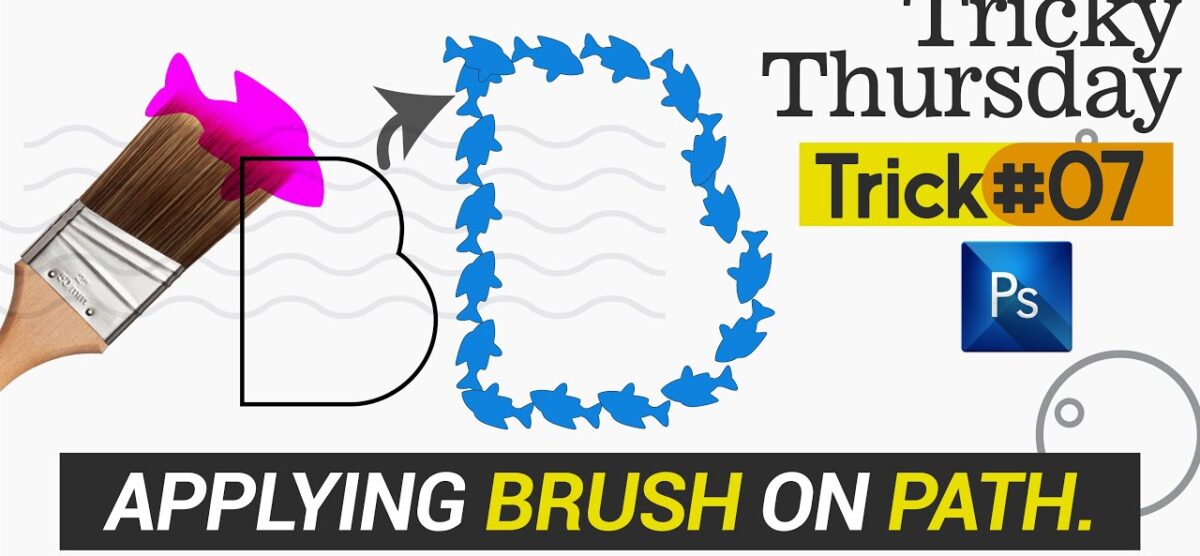
Apply Brush on Path in Photoshop | T#7 | Urdu/Hindi
How to apply Brush on a pre-defined path in Adobe Photoshop.
In this trick, I gonna show you how to apply customized brush on a path and also how to apply brush on text strokes in Adobe Photoshop in our Design projects through an easy method.
Keep Liking and Subscribing tutorials town for our appreciation
Want to learn more stay connected with tutorials town:
Like, Comment & Subscribe our Channel
Follow us:
Facebook: https://bit.ly/2kEvEaL
Instagram: https://bit.ly/31vRyOB
Pinterest: https://bit.ly/2kebaFG
Audio by:
NCS: Music Without Limitations
NCS Spotify: http://spoti.fi/NCS
Free Download / Stream: http://ncs.io/symbolism
Subscribe our Channel for more videos & Tutorials.
#Tutorials #hindi #Urdu #Adobe #Fonts #Learn
Related posts

Figma Make Advanced Tutorial | AI Prompts to Website Publishing
Learn how to use Figma Make Advanced to create, customize, and publish websites using [...]
Read more
Figma Make Tutorial for Beginners | Learn the Basics Step by Step
Learn the basics of Figma Make and discover how you can use AI to turn your ideas and [...]
Read more
New Figma Motion Feature Explained | Create Stunning UI Animations
Discover the new Figma Motion feature and learn how to create smooth, interactive [...]
Read more
Mood Board for Logo Design | Step-by-Step Guide
A mood board is one of the most important steps in the logo design process. It helps [...]
Read more