
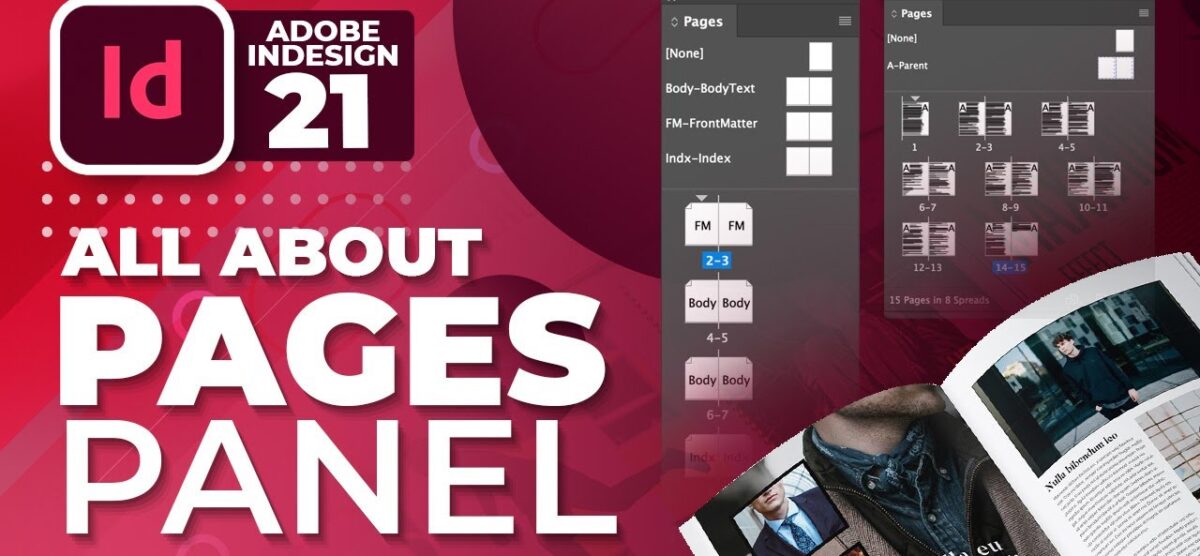
Conquer Your Layouts with Pages Panel in InDesign | #21| Urdu / Hindi
Ditch the layout confusion and streamline your InDesign workflow with the power of the Pages Panel! This comprehensive video guide, designed specifically for graphic designers, will equip you with the essential skills to navigate, organize, and manage your pages with precision.
We’ll break down everything you need to know, from basic navigation and page manipulation to advanced techniques for mastering spreads and optimizing your design process. Whether you’re working on a brochure, magazine, or any multi-page project, this video will show you how to leverage the Pages Panel to achieve efficient and stunning layouts.
Get ready to:
🍬Double your design efficiency: Discover time-saving features for managing your pages.
🍬Become a layout pro: Master the art of creating clean and organized multi-page documents.
🍬Unlock the secrets of spreads: Confidently design beautiful facing pages for a cohesive flow.
🍬Say goodbye to frustration: Eliminate the guesswork and navigate your InDesign projects like a champ.
Topics in this Video:
00:00 – Introduction of Class.
00:50 – Manage Pages Panel in Adobe Indesign.
01:07 – Pages Panel Section
02:13 – How to Identify Master Page?
04:06 – Master vs Child Page
04:37 – Advantages of Master Pages
05:58 – Master Page Application
06:45 – How to work on Master or Parent Pages
09:48 – How to Rename Master Page
10:42 – How to Duplicate Master Pages
11:15 – How to Assign or change Master of Pages
13:29 – Important tip when using Master Pages
14:53 – How to Create a New Master Page in Adobe InDesign
16:23 – How to change Margin Sizes in Adobe InDesign
16:48 – How to Design Header and Footer of Document
17:30 – Adding Page Numbers to the Document in Adobe Indesign
20:28 – Apply Parent Page to another Parent Page
21:06 – Pro Tip: Using Layers with Master Page
25:39 – How to add Watermark to Document
27:47 – Extract any content from the Parent (Master) Page
Feeling lost navigating your complex InDesign projects? Say goodbye to layout frustration! In this video, we’ll dive deep into the essential Pages Panel, your one-stop shop for mastering page management in InDesign.
Whether you’re a seasoned graphic designer or just starting out, the Pages Panel is a powerful tool waiting to be unleashed. We’ll show you how to:
🍬Effortlessly navigate: Jump between pages with ease, ensuring a smooth workflow.
🍬Organize with precision: Add, delete, and rearrange pages for optimal layout control.
🍬Work smarter, not harder: Utilize hidden features to streamline your design process.
🍬Master spreads: Confidently manage facing pages for brochures, magazines, and more.
🎈 Use Shapes in Adobe InDesign
https://youtu.be/ty6veHbl7ck
🎈 Use Pathfinder in Adobe Illustrator
https://youtu.be/qA4L_eoKpgA
🏆Adobe Indesign in Urdu & Hindi Complete Training:
https://bit.ly/2WCa611
🏆Adobe Illustrator in Urdu & Hindi Complete Training:
https://bit.ly/3t35AV5
🏆Photoshop in Urdu & Hindi Complete Training:
https://bit.ly/3pDiGpK
Its Adobe Indesign CC 2021 in Urdu/Hindi by Sir Ali Rehman, Adobe InDesign Complete Training Course in Urdu / Hindi.
Keep Liking and Subscribing to Tutorials Town for our appreciation
Want to learn more stay connected with tutorials town:
Like, Comment & Subscribe to our Channel
Follow us:
YouTube: https://bit.ly/3afex5a
Facebook: https://bit.ly/2kEvEaL
Instagram: https://bit.ly/31vRyOB
Pinterest: https://bit.ly/2kebaFG
Subscribe to our Channel for more videos & Tutorials.
#Tutorials #hindi #Urdu #Adobe #InDesign #Learn